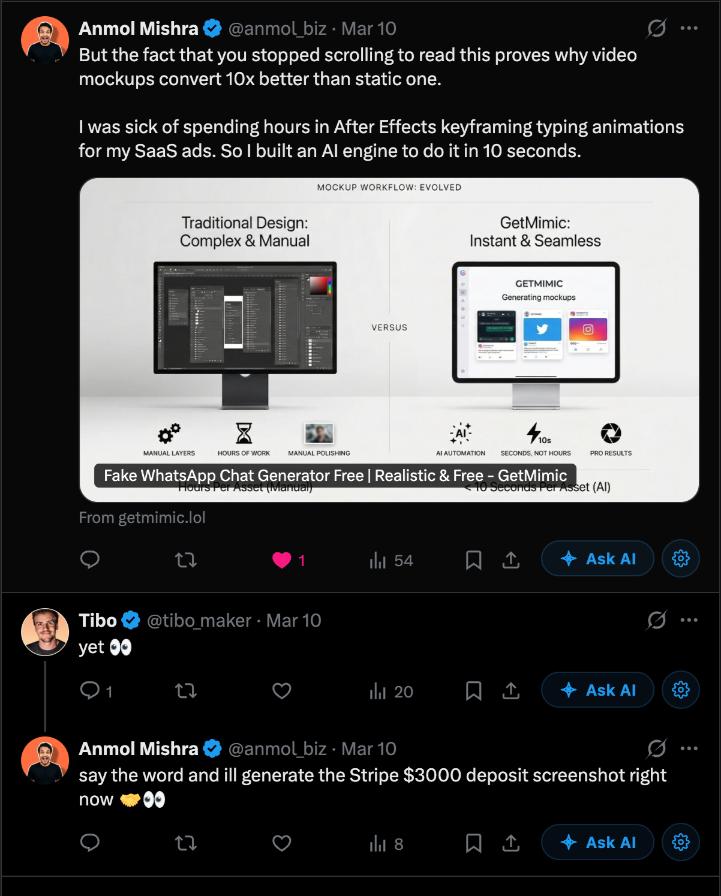
From viral social media posts and memes to high-converting marketing campaigns. See what our community is building.
100% Private
PNG
How to Create a Fake WhatsApp Chat conversation
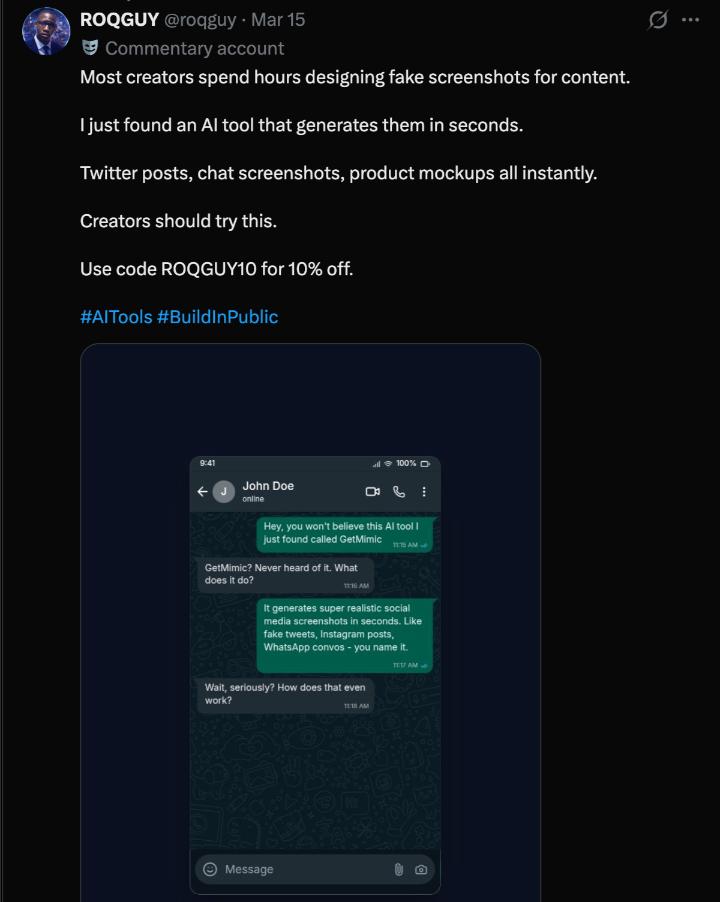
Creating a realistic fake WhatsApp chat conversation is quick and easy with GetMimic's free WhatsApp chat screenshot generator. Simply choose your preferred theme (dark or light mode), customize the sender and receiver names, profile pictures, and message content to match your vision. Adjust status bar details like time, battery level, and signal strength for maximum authenticity. Once your mockup looks perfect, hit the download button to export it as a high-resolution PNG image — completely free, with no sign-up required. Whether you're a content creator, marketer, filmmaker, or just pranking a friend, our WhatsApp fake chat conversation maker gives you pixel-perfect results every time. All screenshots are generated locally in your browser, so your data stays private and secure.
Frequently Asked Questions
Is this fake WhatsApp chat conversation generator free?
Yes, GetMimic's WhatsApp chat screenshot generator is 100% free to use. You can create and download unlimited mockups without any sign-up, watermark, or hidden charges.
Can I customize the WhatsApp chat conversation screenshot?
Absolutely. You can customize everything — sender/receiver names, profile photos, message text, timestamps, read receipts, battery percentage, signal bars, and switch between dark and light themes.
Is it safe to use? Will my data be stored?
Yes, it's completely safe. All WhatsApp mockups are generated locally in your browser. We don't store any of your data, messages, or images on our servers.
What can I use a fake WhatsApp chat conversation for?
Fake WhatsApp screenshots are commonly used for social media content, YouTube thumbnails, film and TV props, UI/UX design mockups, presentations, marketing materials, and playful pranks with friends.